How to Calibrate Pressure Transmitters with a Field Communicator
The Role of a Field Communicator in Pressure Transmitter Calibration
What Is a Field Communicator and Why Is It Essential in Calibration?
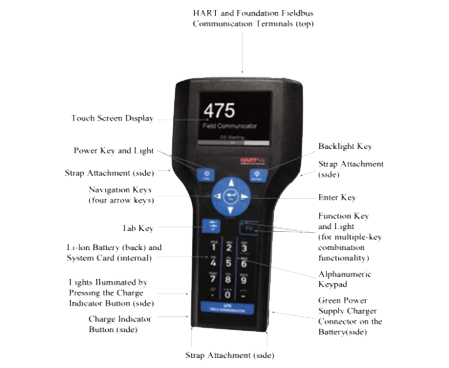
A field communicator serves as a portable gadget that technicians and engineers use to connect with intelligent field instruments, like pressure transmitters. These tools prove vital for setting up, troubleshooting, and adjusting transmitters right away. This is especially true in industrial settings where precise and dependable results matter greatly.
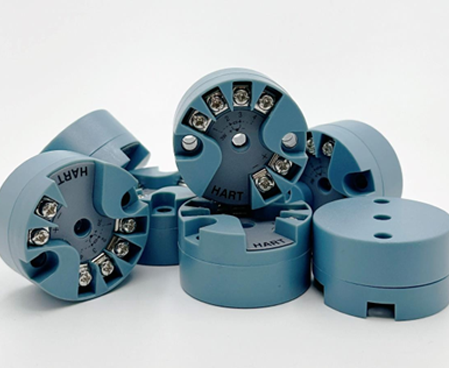
Field communicators rely on digital protocols such as HART (Highway Addressable Remote Transducer). This setup allows smooth back-and-forth exchanges over standard analog lines. As a result, users can handle jobs like parameter setup, circuit checks, and small tweaks. They do this without taking apart or swapping out the transmitter.
How Does a Field Communicator Work with Pressure Transmitters?
A field communicator operates by transmitting digital signals over analog current loops. These signals move via common 4-20 mA wiring in industrial setups. Technicians employ the communicator to check real-time process values, set parameters, and carry out zero/span tweaks on the pressure transmitter.
In calibration, the communicator makes sure the transmitter’s output matches the actual pressure input closely. This provides exactness in watching and managing tasks like fluid movement, pressure control, and system protection.
When instruments malfunction, technicians can use the H375 to read internal info and diagnostic codes to quickly find fault causes and take measures to reduce downtime and losses.
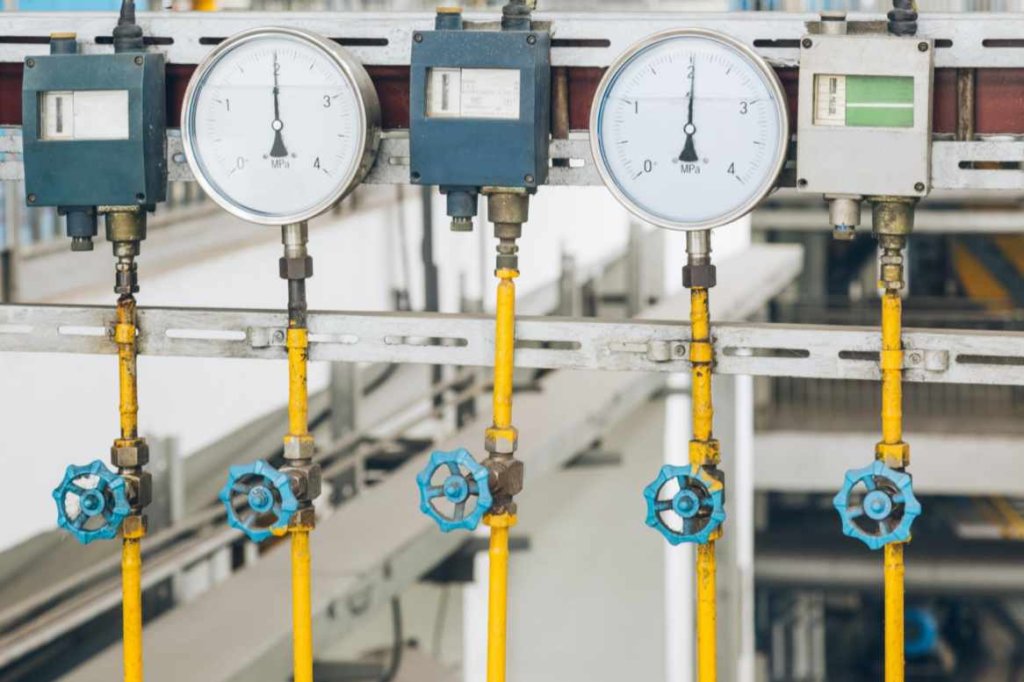
Preparing for Calibration: Tools, Safety, and Environment
What Equipment Do You Need Before Starting Calibration?
To calibrate a pressure transmitter effectively with a field communicator, gather these items:
- A HART-compatible field communicator
- Pressure calibrator or hand pump with an accurate reference gauge
- 24VDC power supply or loop simulator
- Connection cables, fittings, and load resistors
How Do You Ensure Safety During Calibration?
Always start calibration with key safety steps:
- Isolate the pressure transmitter from the process line
- Depressurize the system to avoid accidental release of fluid or gas
- Follow all standard operating procedures (SOPs)
- Wear protective gear including gloves, goggles, and appropriate clothing
These actions safeguard workers. They also keep your measurement tools in good shape.
Step-by-Step Guide: Calibrating a Pressure Transmitter Using a Field Communicator
How Do You Connect the Field Communicator to the Transmitter?
To set up the link:
- Connect the field communicator across the loop in parallel with the power supply.
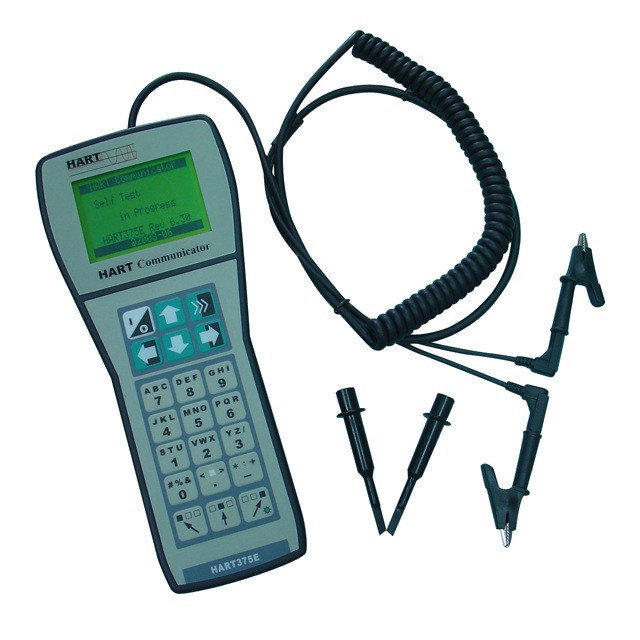
- Ensure proper polarity if required (though some models like HART375E don’t require polarity consideration).
- Verify a minimum loop resistance of 250 ohms for HART communication.
- Secure all connections to avoid signal loss or communication errors.
What Are the Key Steps in Performing a Zero and Span Adjustment?
Zero Adjustment Procedure
- Apply 0% of full-scale pressure using a calibrator.
- Use your field communicator to read the live pressure value.
- If there’s deviation from zero, initiate a zero trim or adjustment via the communicator’s menu.
Span Adjustment Procedure
- Apply 100% of full-scale pressure to the transmitter.
- Again, use the communicator to view the live reading.
- Adjust span so that it matches the actual applied pressure accurately.
These steps align the transmitter’s output signal with actual pressure situations.
How Can You Validate Calibration Results?
Validate through a simple 3-point check:
- Apply pressures at 0%, 50%, and 100% of the calibrated range.
- Compare these values with what is displayed on your communicator.
- Any deviation beyond allowable tolerance indicates recalibration is needed.
This process confirms traceability. It also meets industrial calibration rules.
Common Issues When Using Field Communicators—and How to Fix Them
Why Won’t My Field Communicator Connect to the Transmitter?
Connection problems often stem from:
- Inadequate loop power—confirm you have 24VDC supply
- Wrong or loose wiring—double-check polarity and terminal points
- Lack of required load resistance—verify there’s at least 250 ohms in the loop
What Should I Do If My Readings Are Inconsistent or Unstable?
- Inspect pneumatic lines for leaks during calibration
- Shield all signal cables to reduce electromagnetic interference
- Ensure proper grounding throughout your measurement system
Why Is My Device Not Recognizing HART Protocol Devices?
Troubleshooting Steps:
- Confirm that HART mode is enabled in your transmitter settings
- Ensure you are using shielded cables
- Check that load resistors between 250 and 600 ohms are present
- Update Device Description (DD) files in your communicator
Introducing ICwalk’s Field Communicators: HART375E and H475 Series
Who Is ICwalk and What Makes Their Products Stand Out?
At ICwalk, we focus on industrial automation gear that boosts efficiency with accuracy and simplicity. Our field communicators feature strong compatibility, solid performance, and easy-to-use displays. They follow worldwide industry guidelines.
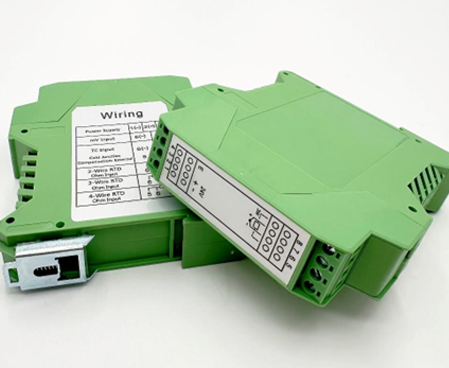
ICwalk transmitter boards are trusted by over 800 instrument manufacturers in China, with extensive field validation. Fully compatible with mainstream protocols like HART and PROFIBUS-PA, our products match global standards.
What Are the Key Features of HART375E and H475 Models?
HART375E Highlights:
HART375E intelligent handheld device can configure, calibrate and maintain all devices that comply with HART protocol. It supports both point-to-point and multi-point communication modes. With its stable connection and anti-interference capability, it is reliable even in complex environments. The device is portable, battery-powered for up to 150 hours, and includes user-friendly interfaces suitable for both experts and non-professionals.
H475 Features:
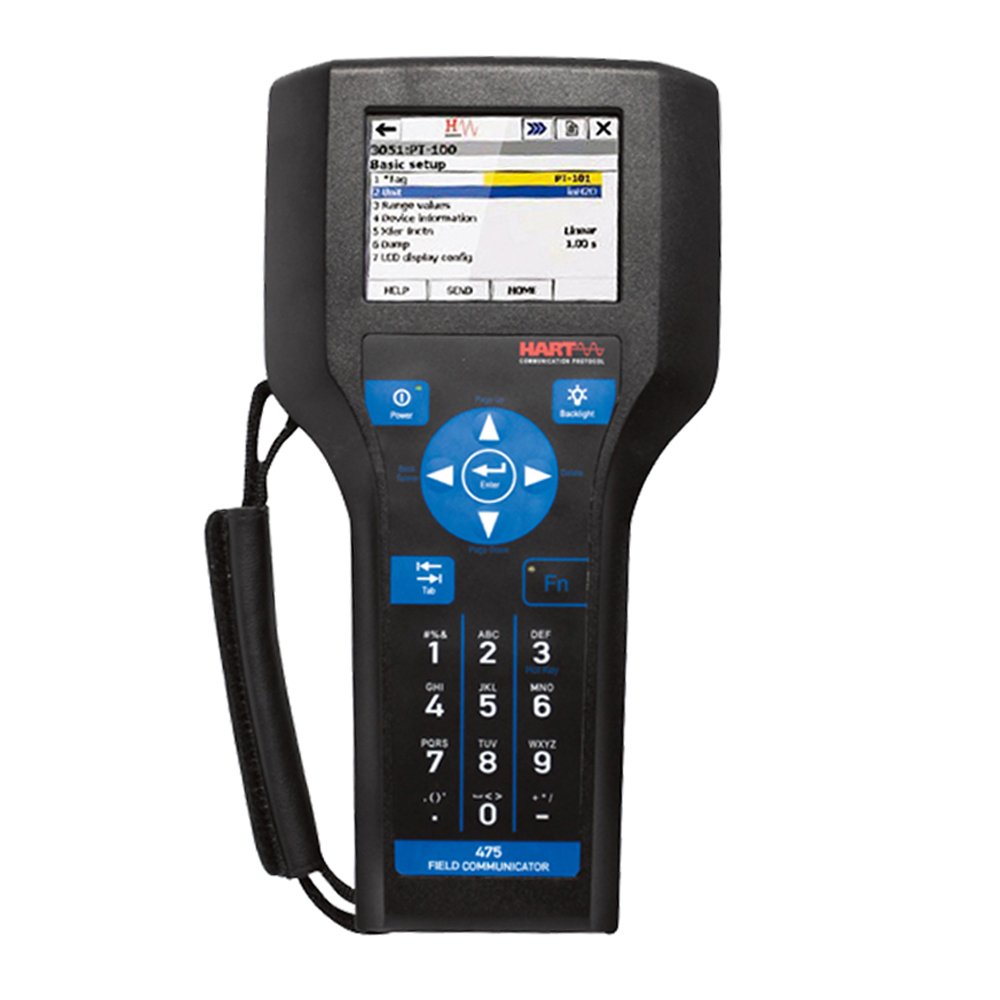
H475 Field Communicator includes a color LCD touch screen, a Dual-core Lithium Ion battery (Power Module), a Central Processing Unit (CORTEX-M3), bulk memory unit (FLASH) and integral fieldbus communication circuitry. It supports EDDL technology for compatibility across manufacturers. With fast processing speeds, strong diagnostic functions, and rugged build quality, it is ideal for use in demanding industries like petrochemicals, power generation, and pharmaceuticals.
H475 configures and monitors pipeline flow meters to ensure accurate measurement and improve production quality.
FAQ
Q: Can I use any field communicator with all types of pressure transmitters?
A: Not necessarily—your field communicator must support the same communication protocol (e.g., HART) as your transmitter model.
Q: How often should I calibrate my pressure transmitter using a field communicator?
A: Calibration frequency depends on your industry standards, but typically once every 6–12 months is recommended for accuracy.
Q: Why does my field communicator show “Device Not Found” even though it’s connected properly?
A: This may be due to insufficient loop resistance or incompatible device descriptors; ensure you have at least 250 ohms resistance and updated DD files installed on your communicator.
Q: Can I perform calibration while the transmitter is online?
A: While possible in some cases using live zero/span adjustments, it is generally recommended to isolate the transmitter during calibration for safety and accuracy.